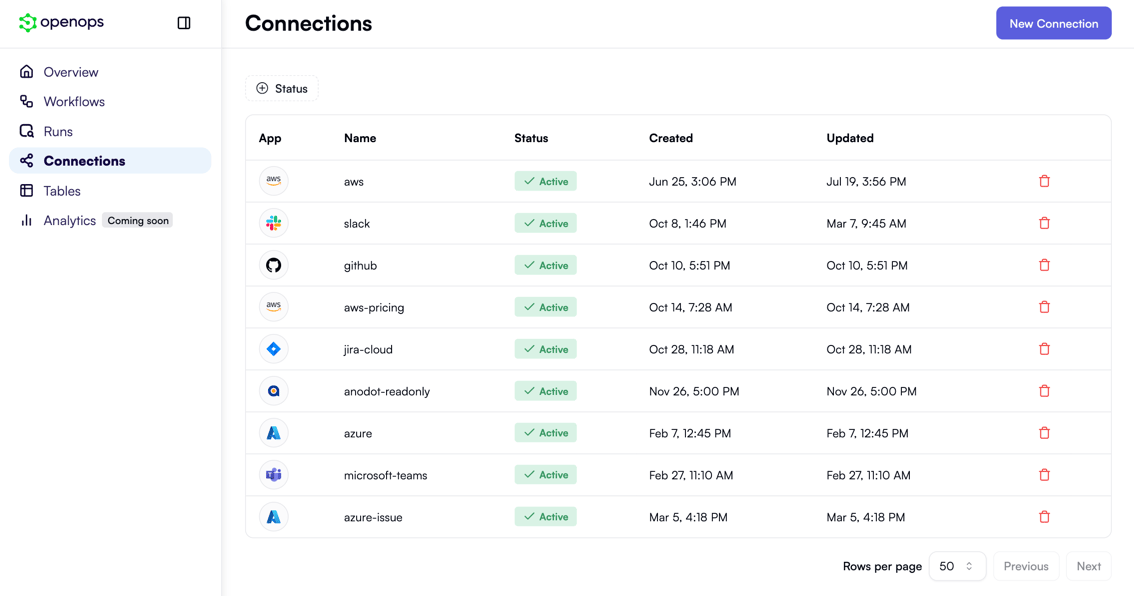
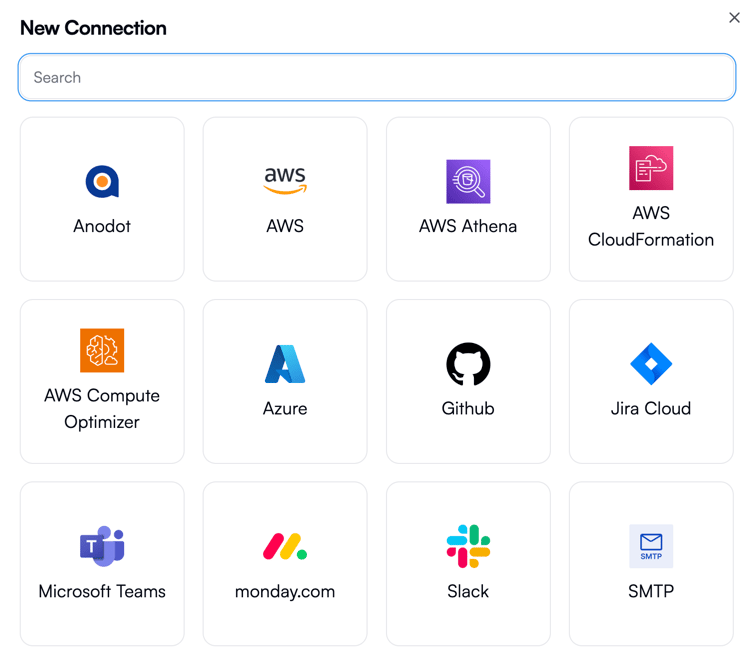
- Upfront by going to the Connections tab and clicking New Connection. This opens a pop-up that lets you first select a connection type:
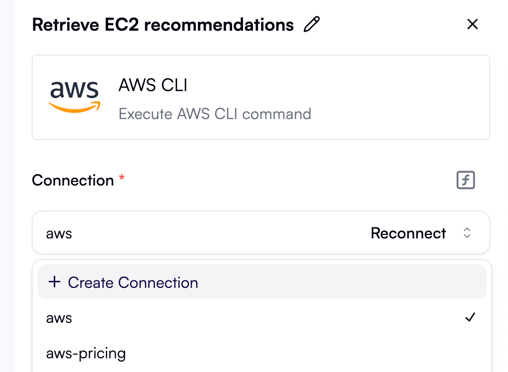
- While editing the workflow, in action properties, by opening the Connection dropdown and clicking Create Connection:
AWS connections
A connection to AWS requires specifying your access key ID, secret access key, and the default region: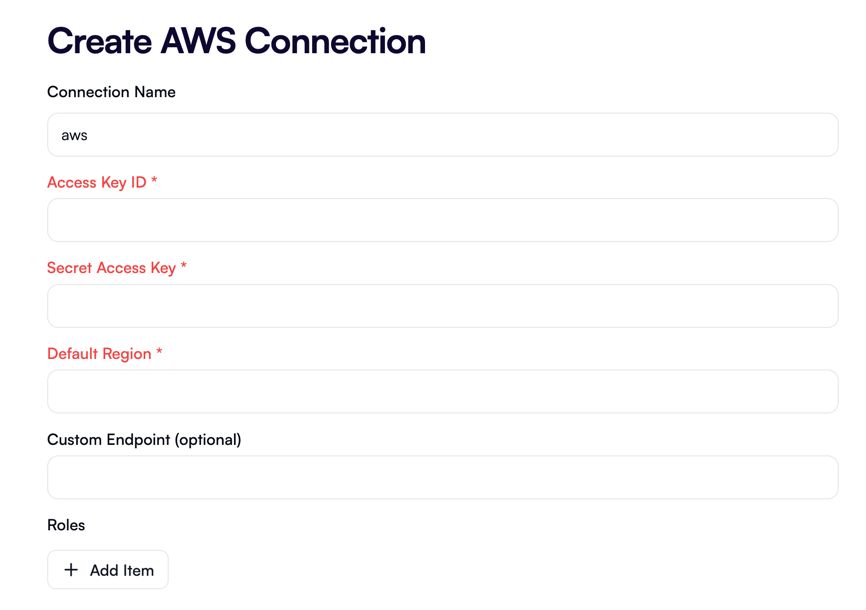
ec2:StopInstances permission as shown in this guide.
If your AWS account doesn’t already have a default region, you can set it in the AWS Management Console separately.
If you have multiple AWS accounts and want one of them to define all the permissions that may be needed for workflows defined by OpenOps templates, consider installing the OpenOpsApp AWS Role Stack. Even if you don’t, you can download the stack and use it as a reference when configuring permissions for your workflows.
Connections to AWS Athena, AWS CloudFormation, and AWS Compute Optimizer are configured in the same way as AWS connections.
Azure connections
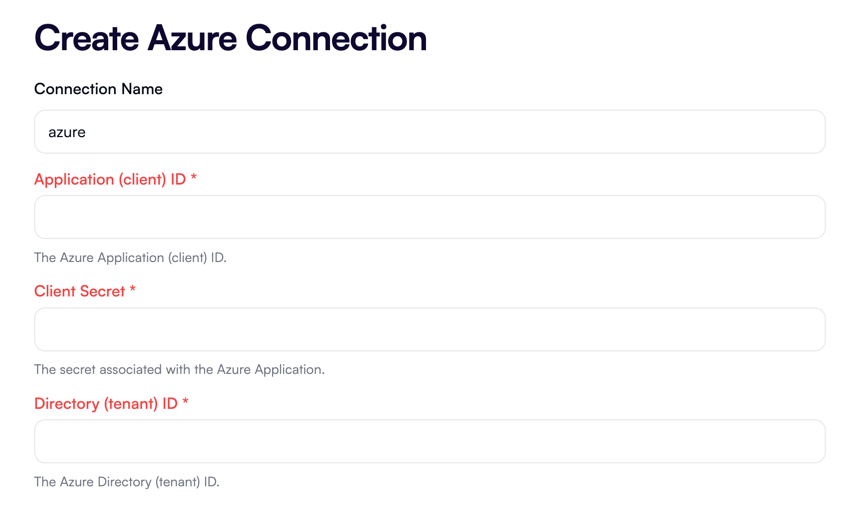
A connection to Azure requires specifying your application (client) ID, client secret, and directory (tenant) ID: